
Scroll through any football hashtag in the back half of May 2026 and you will notice something that did not exist at the last World Cup. Between the squad-announcement reactions and the kit leaks, fans are posting their own match posters. Not memes. Not lazy screenshots. Actual posters: bold, stylised, art-directed pieces of fixture art, the kind of thing that used to require a design degree and a cracked copy of Photoshop. They are being made in minutes, by people who cannot draw, using AI image generators.
This is the quiet creative story of the 2026 World Cup. The tournament kicks off June 11 across the United States, Canada and Mexico, it is the first 48-team edition, and it has arrived at the exact moment AI image tools got genuinely good. The result is a wave of fan-made artwork, and a small but real new hobby: prompting your own World Cup posters.
This guide explains how fans are doing it, which tools are worth your time, how to get a clean result instead of a melted mess, and the legal lines you should not cross. And yes, there is a full, copy-paste prompt library at the end, written so you can produce a sharp poster on your first try.
Why match posters and why now
Match-poster art is not new. Football clubs and broadcasters have produced fixture graphics for years, and the genre has a recognisable visual grammar: dramatic player silhouettes, big confident typography, national colours, a sense of occasion. What is new is who gets to make them.
How to Create Stunning Posters with AI (Complete Tutorial)
Two things changed at once. The first is that AI image generation crossed a quality threshold. The garbled-text, seven-fingered era is largely over for the leading tools. The second is timing. A World Cup is the most poster-friendly event in sport. Forty-eight nations, each with a flag, a colour palette and an identity, drawn into fixtures with built-in narrative. A fan does not need to invent a concept. The bracket hands them one hundred and four of them.
Put a capable image tool in the hands of millions of football fans during the most graphically generous tournament ever staged, and the AI match poster was basically inevitable.
The tools fans are actually using in 2026
The AI image landscape in 2026 is not a single winner. It has fractured into specialists, and for poster work that fragmentation actually matters, because a poster has two hard requirements most images do not: it usually needs legible text, and it needs a strong, intentional composition. Here is the honest state of the tools, based on how they are currently reviewed and ranked.
Google Gemini (Nano Banana 2). The image model inside the Gemini app, sometimes referred to by its codename Nano Banana, is widely cited as the best free option in 2026, praised for a strong blend of speed, quality and cost. For a fan making posters for fun, this is the natural starting point: it is accessible, it is conversational, and it handles general composition well. Most of the prompt library below is written with Gemini in mind, though the prompts are portable.
Midjourney (v7). Still the benchmark for artistic stylisation and atmosphere. Reviewers consistently describe it as the tool that produces images that look intentional rather than accidental. If you want a poster with genuine mood, a painterly quality, a sense of drama, Midjourney is the connoisseur’s pick. It is subscription-only, and its web interface has matured well beyond the old Discord-only days.
Ideogram and Google Imagen. The text specialists. The single hardest thing in AI poster design is getting clean, correctly spelled words into the image, and for years almost every model turned typography into gibberish. Ideogram and Imagen are repeatedly singled out as the tools that actually render text reliably. If your poster concept depends on a readable headline or a scoreline, generate it in one of these, or generate the art elsewhere and add text yourself.
Adobe Firefly. Worth a specific mention because it is described as the one major model that ships with formal commercial indemnification, and it integrates directly into Photoshop and Express. If you ever intend to do anything beyond personal, non-commercial posting, Firefly’s licensing clarity is a genuine advantage.
DALL-E 3, via ChatGPT. The most beginner-friendly route. It lives inside ChatGPT, it understands plain-language prompts well, and it is a low-friction way to test a concept before committing to a paid tool.
The practical takeaway: use Gemini or ChatGPT to learn and experiment for free, step up to Midjourney when you want real artistic polish, and reach for Ideogram or Imagen specifically when text legibility is the priority. There is no single correct tool. There is a correct tool for the specific poster you are trying to make.
The honest part: the IP and likeness problem
Before the fun, the responsible bit, because Gamerative would rather tell you this now than have you find out later.
A World Cup match poster naturally wants three things that are not yours to use: real footballers’ faces, real national team crests and kit designs, and FIFA’s official World Cup branding. All three are protected. Player likenesses are governed by image and publicity rights. Team crests, kit designs and competition logos are trademarks and copyrighted works. Generating a poster that depends on them, and especially distributing or monetising it, can cross real legal lines.
The good news is that the best fan posters do not actually need any of it. The match-poster aesthetic is built from things that are completely free to use: national colours, abstract or generic player silhouettes, typography, geometry, atmosphere, a sense of place. A poster that reads unmistakably as “a knockout fixture between a red nation and a sky-blue nation in a desert-heat stadium at dusk” needs no badge and no recognisable face to work. It just needs good art direction.
So the rule for this entire guide, and for the prompt library below, is simple. Design with colours, not crests. Use generic or stylised figures, not recognisable players. Avoid real competition logos. Keep your posters personal and non-commercial unless you have done your own legal homework. And if you ever want to go further, a tool like Adobe Firefly with its commercial indemnification is the more sensible foundation. Create freely. Just create around the protected stuff, not through it.
How to actually get a good poster, not a melted one
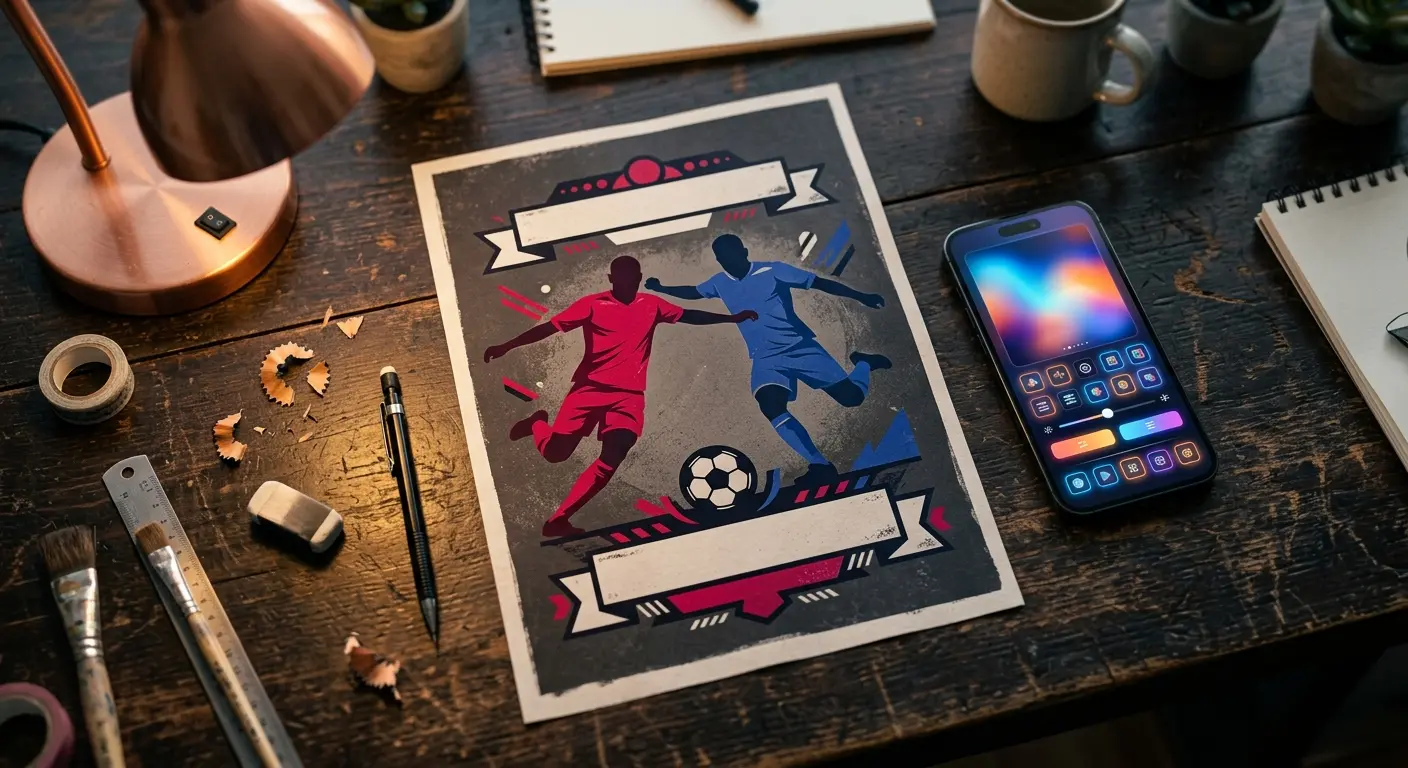
A few principles separate a poster that looks designed from one that looks like an AI accident.
Lead with the format. Tell the tool it is making a poster, and tell it the orientation. “Vertical sports match poster, portrait orientation, 2:3 aspect ratio” front-loads the most important structural information.
Name a real design style. AI tools respond strongly to art-movement and design-era language. “Mid-century travel poster,” “bold minimalist sports graphic,” “vintage screen-print,” “modern flat-design editorial illustration,” “dramatic cinematic key art.” A named style is worth more than ten adjectives.
Use colour, not country. Instead of naming nations, describe their palettes. “A team in deep red and white versus a team in sky blue and navy” gets you the identity without the trademark and usually a cleaner image too.
Leave room for text, then add it yourself. Rather than fighting the model to spell a city name correctly, prompt for “clean negative space at the top and bottom for typography” and add the words afterwards in any free design tool. This single habit fixes the most common poster failure.
Control the composition. Specify where things sit. “Two stylised player silhouettes facing each other in the centre, low dramatic camera angle, large empty sky above.” Composition instructions are the difference between art direction and a lucky roll.
Iterate in small steps. Change one variable at a time. If the colours are right but the mood is wrong, adjust only the lighting language. Wholesale prompt rewrites just trade one set of problems for another.
The prompt library
Everything below is written to be pasted directly into Google Gemini, and it works with minor wording tweaks in ChatGPT, Midjourney or Ideogram. Every prompt is deliberately built around colours, generic figures and atmosphere rather than real players, crests or official logos. Swap the colour pairs for whatever fixture you are imagining.
- The classic dramatic fixture poster
Vertical sports match poster, portrait orientation 2:3 aspect ratio. Two stylised, faceless footballer silhouettes facing each other in the centre, one in deep red and white, one in sky blue and navy, low dramatic camera angle. A large stadium interior softly blurred behind them, golden dusk light, atmospheric haze. Bold, confident, modern flat-design sports illustration style. Clean empty negative space across the top and bottom for typography. High contrast, cinematic, no text, no logos, no recognizable faces.
- Vintage travel-poster style
Vertical match poster in the style of a 1960s mid-century travel poster, portrait orientation. Two abstract geometric footballer figures, one in green and gold, one in white and black, simplified shapes, limited flat colour palette, visible screen-print texture and slight grain. A stylised sun and a simple stadium silhouette in the background. Warm retro colour scheme. Generous blank banner space at the bottom for a title. No text, no logos, no recognizable players.
- Bold minimalist graphic
Minimalist vertical sports poster, portrait orientation, lots of negative space. A single abstract footballer silhouette in solid orange against a flat deep navy background, simple geometric shapes, one bold diagonal accent line. Swiss-style graphic design, extreme simplicity, strong visual hierarchy. Empty clean area top and bottom for typography. No text, no logos, no faces.
- Cinematic knockout-night key art
Vertical poster, portrait orientation, dramatic cinematic key art style. Two faceless player silhouettes emerging from deep shadow, rim-lit by harsh white stadium floodlights, one figure tinted crimson, one tinted electric blue. Heavy atmosphere, volumetric light beams, dark moody background, a sense of high tension. Empty space at the top for a headline. Photorealistic lighting, no text, no logos, no recognizable faces.
- Host-city celebration poster (generic)
Vertical poster, portrait orientation, bright celebratory editorial illustration style. A stylised generic North American city skyline at sunset, warm pinks and oranges, a large abstract football and confetti shapes in the foreground, flat modern vector art, joyful energetic mood. Clean negative space for a title across the lower third. No real landmarks, no text, no logos.
- Retro-future digital style
Vertical sports match poster, portrait orientation. Two abstract footballer figures rendered as glowing wireframe outlines, one cyan, one magenta, on a dark gridded background with subtle scan-line texture, 1980s retro-futurist synthwave aesthetic, neon glow, geometric sun on the horizon. Empty space top and bottom for typography. No text, no logos, no faces.
- Hand-painted poster-art style
Vertical match poster, portrait orientation, in the style of a hand-painted gouache illustration. Two simplified footballer figures mid-motion, one in burgundy, one in pale yellow, loose expressive brushwork, visible texture, warm painterly lighting, a soft impressionistic crowd suggested in the background. Blank area at the bottom for a title. No text, no logos, no recognizable players.
- The text-led poster (use Ideogram or Imagen for this one)
Bold vertical sports poster, portrait orientation. Large clean sans-serif headline at the top reading “MATCH DAY” in white, a smaller line below reading “KICK OFF”. Beneath the text, two minimalist footballer silhouettes in red and blue against a flat charcoal background, simple geometric design. Accurate, correctly spelled, well-kerned typography. No logos, no faces.
A workflow tip: prompts 1 through 7 are best run in Gemini or Midjourney for the art, with your own text added afterwards in a free editor such as Canva or Photopea. Prompt 8 is the exception, designed for the text-specialist tools when you want the words baked in.
A simple five-step poster routine
For the fan who wants a repeatable method: First, pick your fixture and reduce both teams to a colour pair. Second, choose your style from the library above based on the mood you want, dramatic, retro, minimalist, painterly. Third, generate the base art in Gemini or Midjourney, iterating one variable at a time until the composition is right. Fourth, take the image into a free design tool and add your own typography in the negative space you left. Fifth, before you post it, do a final check that there are no real crests, no recognisable faces and no official logos in the frame. Then share it.
That is the entire hobby. It is genuinely satisfying, it costs nothing if you stay on the free tools, and by the knockout rounds you will have a small gallery of your own tournament artwork.
The bottom line
The 2026 World Cup is going to be the most documented, most remixed, most fan-illustrated tournament in history, and a good deal of that artwork will be made by people who, two years ago, could not have designed a birthday card. That is the genuine appeal of AI image tools at their best: not replacing artists, but lowering the barrier far enough that a football fan with a good idea and ten spare minutes can make something that looks like it belongs on a wall.
Use the free tools to learn. Design around colours and atmosphere, not crests and faces. Leave room for your text and add it yourself. Keep it personal and non-commercial unless you have checked the licensing. And start now, because the tournament begins June 11, and the best fixtures, the ones you will most want a poster of, are still ahead of us.
Frequently asked questions
What is an AI-generated match poster?
An AI-generated match poster is fixture artwork created using an AI image generator instead of traditional design software. A fan describes the poster they want in a text prompt, and the tool produces the image. For the 2026 World Cup, fans are using these tools to create their own stylised posters for matches and host cities.
Which AI tool is best for making World Cup posters?
There is no single best tool. As of 2026, Google Gemini (using the Nano Banana 2 image model) is widely cited as the best free option and a strong starting point. Midjourney v7 leads on artistic style and atmosphere. Ideogram and Google Imagen are best when the poster needs legible, correctly spelled text. Adobe Firefly is notable for shipping with commercial licensing indemnification.
Is it legal to make AI World Cup posters?
Making posters for personal, non-commercial enjoyment is generally low-risk, but you should avoid including protected material: real players’ faces and likenesses, official national team crests and kits, and FIFA’s official World Cup branding and logos are all protected by image rights, trademark or copyright. The safest approach is to design with national colours, generic or abstract figures, and atmosphere rather than recognizable badges or faces. For any commercial use, consult the licensing terms of your chosen tool and seek proper legal advice.
How do I get clean text on an AI poster?
Two reliable methods. Either use a text-specialist generator such as Ideogram or Google Imagen, which render typography far more accurately than most models, or generate the artwork without text and add your own headline afterwards in a free design tool like Canva or Photopea. The second method gives you the most control and avoids the most common AI poster failure.
Can I use AI match posters commercially?
Be cautious. Commercial use raises two separate issues: the licensing terms of the AI tool itself, and the intellectual property of anything depicted. Many paid plans grant commercial rights to the images you generate, and Adobe Firefly notably offers commercial indemnification, but that does not give you the right to use protected player likenesses, team crests or official tournament branding. Always confirm current tool terms and avoid protected content.
Do I need to pay for these AI tools?
No. You can make good posters entirely for free. Google Gemini’s image generation has a usable free tier, and ChatGPT offers free access to DALL-E 3 image generation. Paid tools such as Midjourney offer higher artistic quality and more control, but they are an upgrade, not a requirement.
When does the 2026 World Cup start?
The 2026 FIFA World Cup runs from June 11 to July 19, 2026, hosted across 16 cities in the United States, Canada and Mexico. It is the first World Cup to feature 48 teams, drawn into 12 groups of four, across 104 matches.